MCP SDK for Next.js
Modular prompts. Frontend control (localhost:3027). A lightweight SDK to build AI powered workflows in your Next.js apps, with dynamic routing across providers, focused context for better accuracy and zero custom infra on your side.
Install in under a minute
Three steps: add the SDK, link to Brinpage Platform, and launch the local dashboard. From there you configure providers, models, routing strategies and limits without touching your app code again.
Add the SDK
# Install
npm install @brinpage/cpm
Link to Brinpage Platform (.env)
BRINPAGE_API_KEY=your-platform-key
BRINPAGE_BASE_URL=https://platform.brinpage.com
Run the dashboard
npx brinpage cpm
# runs on http://localhost:3027
Minimal setup for Next.js (App Router). All configuration, providers, models, temperature, token caps and routing strategies is managed in the CPM Dashboard and synced via Brinpage Platform. Your code just initializes the client and calls cpm.chat() or cpm.ask().
Want the full setup, tips, and troubleshooting? Visit the MCP Installation guide.
Open Installation GuideConnectConnectonce.once.BuildBuildanywhere.anywhere.
Modular knowledge for zero guesswork.
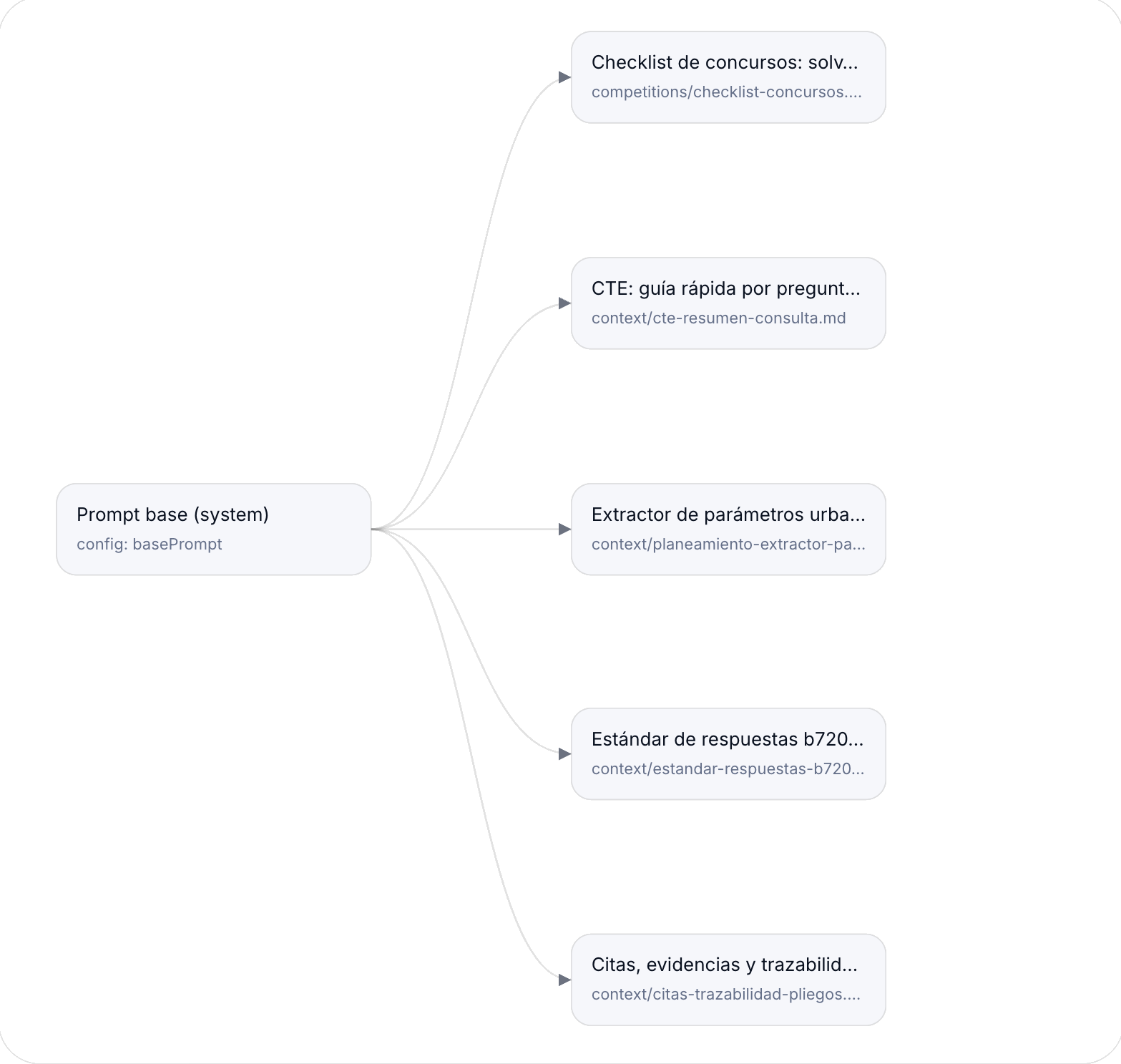
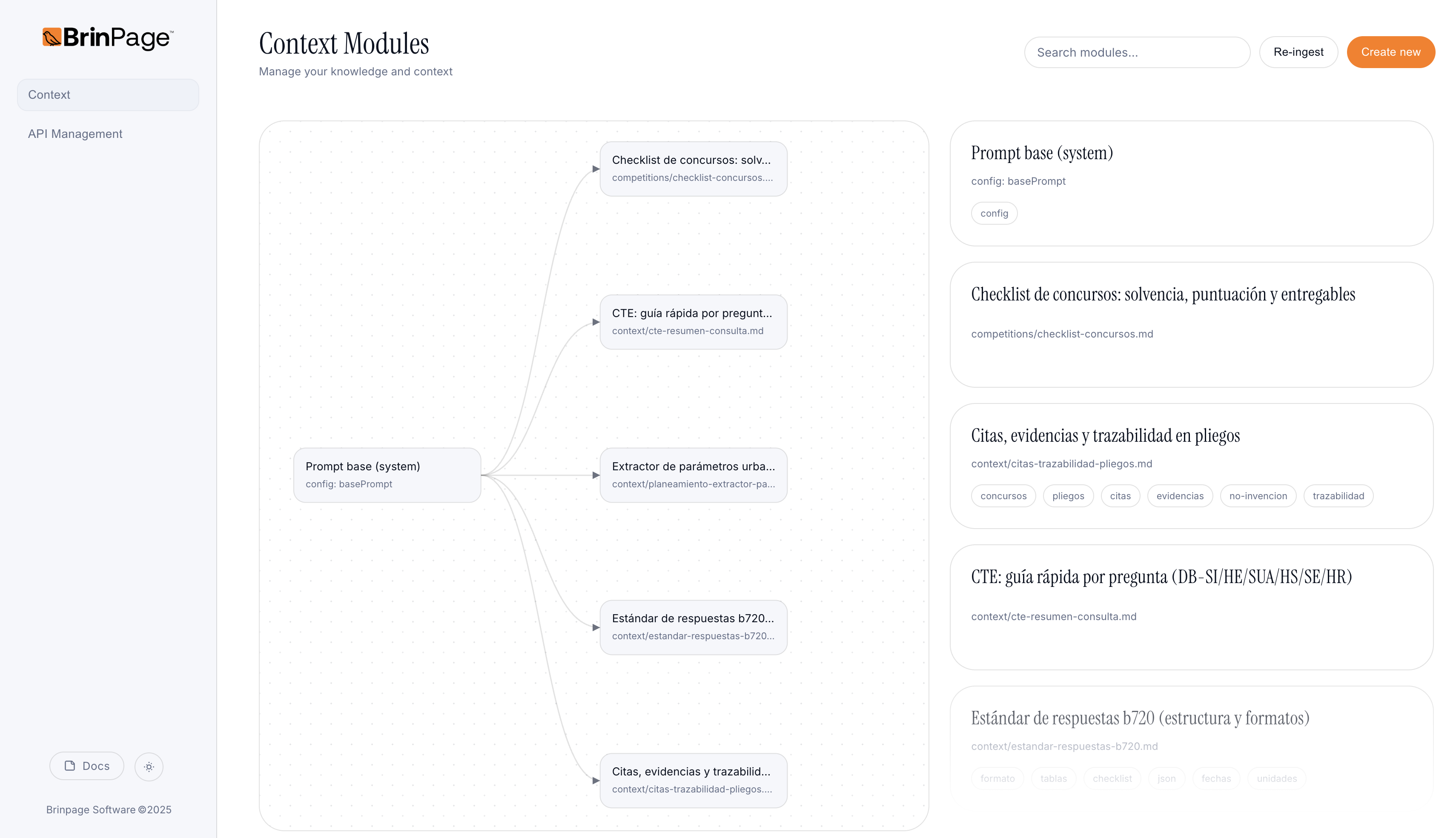
MCP treats prompts as components: a Base plus stackable Modules. You declare what each task needs and MCP builds the final prompt deterministically, so the same inputs always produce the same output prompt.
- • No more giant prompt strings or copy paste drift.
- • Attach only the modules a task actually needs.
- • Smaller, focused prompts mean fewer tokens and clearer model behavior.
Your control room on localhost.
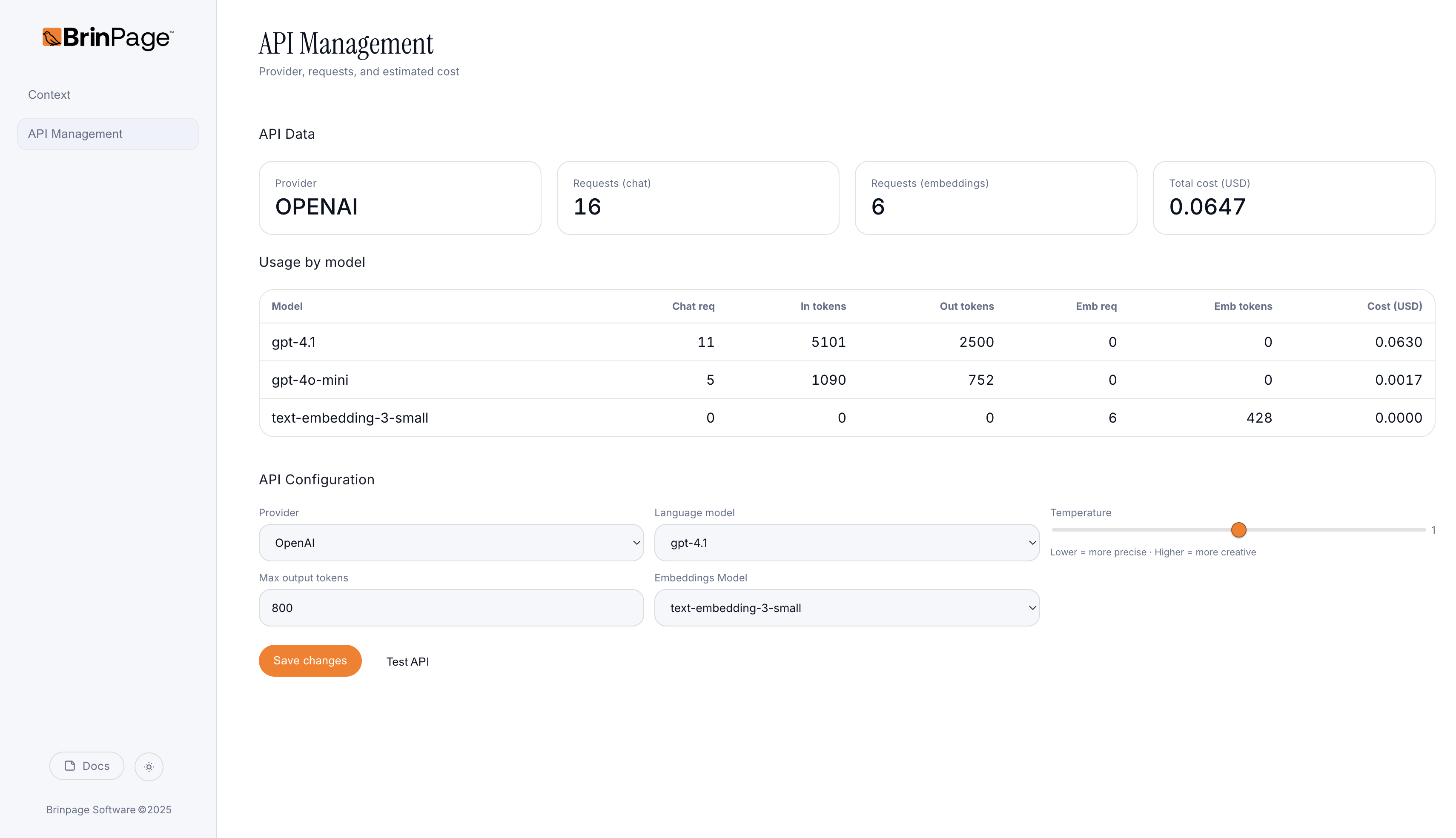
Run the dashboard on :3027. Switch models, tune parameters, define routing strategies and inspect every request, all connected through Brinpage Platform. No provider specific SDKs. No hard coded model names in your app.
- • Unified routing: OpenAI, Gemini, Claude and more soon, managed via Brinpage Platform.
- • Tuning from the UI: model, temperature and caps without touching code.
- • Request inspector: diff modules and check the final payload before it hits the provider.
Dynamic routing in three ideas.
1. You define per task rules like "optimize for cost", "optimize for accuracy" or "use a fast model under 200 tokens".
2. MCP picks the right provider and model for each request based on these rules and your limits.
3. On errors or timeouts, you can configure fallbacks without rewriting your app code.
This means you can start with cheap models, move critical tasks to stronger ones later and keep full control of your AI bill.
Efficiency by design.
Less repeated context, smarter routing and fewer retries thanks to preflight validation. You get both better accuracy and lower token usage over time.
Cost is roughly (prompt plus response) times retries. MCP helps you reduce all three.